top
Commercial Real Estate Blog Schedule Live Demo

Commercial Real Estate CRM
  Industry Solutions
NEWS & EVENTS
Read more about the AscendixRE 5.5 release which includes all the updates of Microsoft Dynamics CRM 2011 and features developed just for Commercial Real Estate and REIT's
Ascendix Technologies Announces the Release of AscendixRE Online Reduce upfront IT costs traditionally associated with purchasing CRM for small to mid-size companies without compromising the rich feature set which exists in the on-premise model
Ascendix Named to 2011 President’s Club for Microsoft Dynamics Microsoft Honors Ascendix Technologies for commitment to customers for the third time since 2008
Jones Lang LaSalle's Pushpa Gowda talks about her involvement with CRMUG and using Ascendix Technologies as part of implementing Microsoft Dynamics CRM company wide
Granite CRM Solution wins Digie award for Best Use of Automation
See Microsoft's Ad featuring AscendixRE™ - our Commercial Real Estate Solution
Microsoft CRM Solution Case Study
Colliers International Success Story
Read a case study about our successful implementation...
Microsoft CRM Solution Case Study
Granite Properties Success Story
Read a case study about our successful implementation...
Microsoft CRM Solution Case Study
Summit Realty Group Success Story
Read how Summit was able to increase CRM user adoption rate by 90%...
Microsoft CRM Solution Case Study
Highwoods Properties Success Story
Read a case study about our successful implementation...

SEE ALL » News | Events

    Microsoft Certified

Products

CRM Enhancements
Ascendix Blog

Relationship Navigator

SPLITVIEW

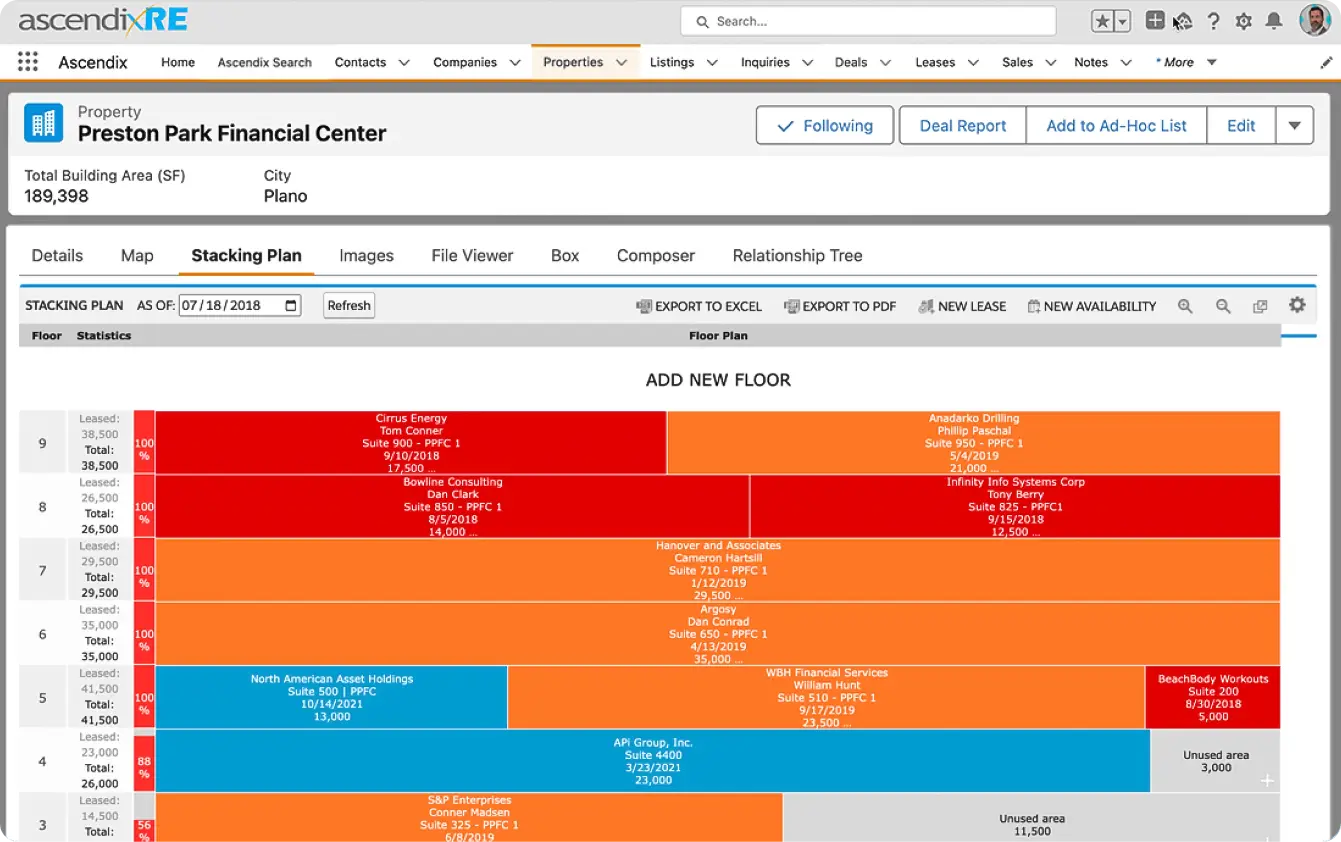
Split View The Split View component for CRM is an example of one of the several enhancements delivered to you as part of the AscendixRE™ solution. With end-user centric design in mind, the split view seamlessly extends the usability of the core Microsoft Dynamics CRM user interface, giving the user greater freedom and control to interact with their data.

  • Navigate multiple entities from the same screen
  • Configurable tab layout
  • Supports both system and custom entities
  • Built-in templates for quick tab development
  • Increases user satisfaction and product adoption
  • Reduces total cost of ownership (TCO) by increasing efficiency and accuracy
  • Supported platforms: Microsoft Dynamics CRM 3.0 and 4.0

EDITABLE GRID

Editable Grid The AdvantageWorks Editable Grid allows the user to edit the contents of a grid directly in the grid by the click of a single button.

The grid supports editing of the following CRM data types:
  • Picklist
  • Date
  • Lookup
  • Integer
  • Money
  • Float
  • Boolean
  • Status
  • Customer
  • Owner
  • Decimal
  • String

Additionally, the grid enforces Microsoft Dynamics CRM's built-in security model and prevents users from editing the following types of data:
  • State attributes
  • Fields with a display mask of ObjectTypeCode
  • Fields marked as read-only
  • Fields disabled on their associated edit form
  • Fields with an active OnChange event on their associated edit form
  • Fields the user does not have write privileges for (both record and entity level)
The AdvantageWorks Editable Grid for Microsoft Dynamics CRM is designed to work in conjunction with our Split View control. However, it can also be used as a stand-alone component in your own custom ASP.NET 2.0 pages.


DASHBOARD

Dashboard The AdvantageWorks Dashboard allows for customized views of up-to-the-minute information on all key performance indicators (KPI)

  • Executive Dashboards
  • Individual "Work In Progress"
  • Configurable layout
  • Zoom-in capabilities
  • Supports filtering
  • Supports editable grid
  • Supports external web sites
  • Supports custom panels
  • Visibility controlled by security roles
  • Tabbed interface for multiple dashboards
  • Supported platforms: Microsoft Dynamics CRM 3.0 and 4.0

RELATIONSHIP NAVIGATOR

Relationship Navigator The Relationship Navigator allows for quick navigation of entities via all of their existing relationships. Create new relationships and activities on the fly without ever leaving the current view.
  • Navigate all related entities from a single location
  • Expand entities to show relationships one, two, or any number of degrees away
  • Create custom relationships between any two entities, including entities of the same type
  • Built-in templates for quick tab development
  • Create activities directly in the Navigator for any display entity
  • Supported platforms: Microsoft Dynamics CRM 3.0 and 4.0


CRM
corporate | services | commercial real estate crm | crm enhancements | support | downloads | contact us | blog